
Brand Identity
WhatsAudio Brand Kit
Comprehensive guide to our visual identity. Logos, colors, typography, and assets to maintain brand consistency.
Logo Assets
Logos
Our logo is the most recognizable element of our brand. Use the appropriate version depending on the background and context.
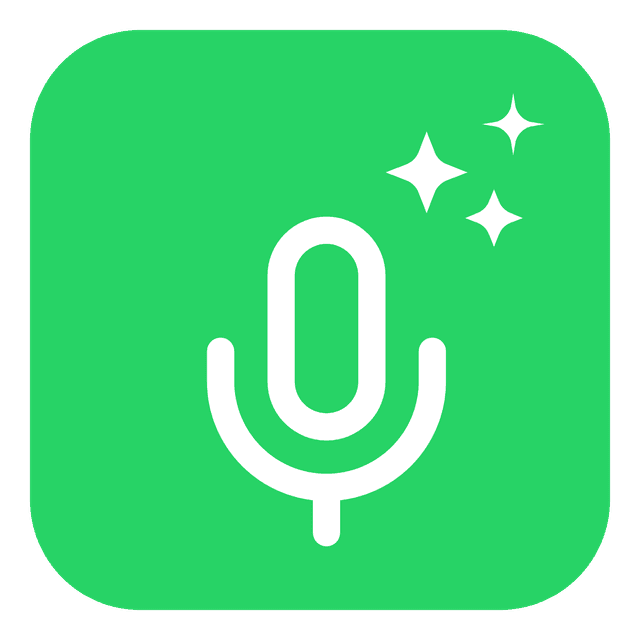
Primary Icon (Green)
Download PNG

Secondary Icon (Gray)
Download PNG

Horizontal Logo (Black)
Download PNG

Full Horizontal Logo
Download PNG

Dark Mode Logo
Download PNG
Visual Language
Color Palette
Our colors reflect our connection to the WhatsApp ecosystem while maintaining a professional, modern AI identity.
Primary Green
#25D366
rgb(37, 211, 102)
PrimaryDark Gray
#545454
rgb(84, 84, 84)
SecondaryLight Gray
#A6A6A6
rgb(166, 166, 166)
NeutralRich Black
#1A1A1A
rgb(26, 26, 26)
TextPure White
#FFFFFF
rgb(255, 255, 255)
BackgroundType System
Typography
We use Inter for bold, impactful headlines and DM Sans for clean, readable body text.
Display / Headings
Inter
Aa Bb Cc
ABCDEFGHIJKLMNOPQRSTUVWXYZ
abcdefghijklmnopqrstuvwxyz
0123456789
Body / UI
DM Sans
Aa Bb Cc
ABCDEFGHIJKLMNOPQRSTUVWXYZ
abcdefghijklmnopqrstuvwxyz
0123456789
Best Practices
Usage Guidelines
Follow these rules to ensure the WhatsAudio brand is represented consistently and professionally.
DOs
Maintain Clear Space
Always leave at least 50% of the logo's height as clear space around it to ensure visibility and impact.
Use High Contrast
Ensure the logo has sufficient contrast with the background. Use the white text version on dark backgrounds.
Keep Proportions
Scale the logo uniformly. Do not stretch or compress the logo vertically or horizontally.
DON'Ts
Don't Change Colors
Do not use colors outside the official palette for the logo icon or text.
Don't Add Effects
Avoid adding drop shadows, gradients, or outlines to the logo.
Don't Rotate
The logo should always be displayed horizontally. Do not rotate or tilt it.
Ready to build?
Download the full WhatsAudio Brand Kit including all logos, colors, and assets.
Ready to Use
Social Media Assets
Pre-made headers and profile images for your social media platforms.
LinkedIn Banner
1584 x 396px
Facebook Cover
820 x 312px
WhatsApp Profile
500 x 500px
Instagram Post
1080 x 1080px